Print Finishes 07.13.26
How to Prepare Print Files Without Losing Quality

Daniel Cantor
Preparing a file correctly for printing remains one of the most important steps in achieving a professional result. Even the best design can lose its impact if the document contains low-resolution images, incorrect color settings, incompatible fonts, or bleed errors. In 2026, both digital and offset printing technologies deliver exceptional quality, but they still rely on print-ready files that meet the appropriate technical standards.
Whether you need corporate stationery, brochures, invitations, or business cards in NYC, spending a few extra minutes reviewing your file can help you avoid delays, additional costs, and unnecessary reprints. Professional designers, businesses, and entrepreneurs alike can benefit from understanding the best practices currently used throughout the printing industry.
At Japan Printing, we work every day with businesses, creative agencies, and professionals looking for premium printed materials. If you’re planning to create or refresh your business cards, we invite you to request a quote from our team. We design and print high-quality materials tailored to the unique needs of every client.
Set Up Your Document Correctly from the Start
A successful print job begins long before exporting the final PDF. The initial document setup determines whether the finished product will have the correct dimensions, accurate colors, and proper margins throughout production. Many common printing issues occur because the design was created exclusively for digital screens.
When preparing a file for print, it’s recommended to configure the following from the very beginning:
- The final product size (business card, flyer, brochure, etc.).
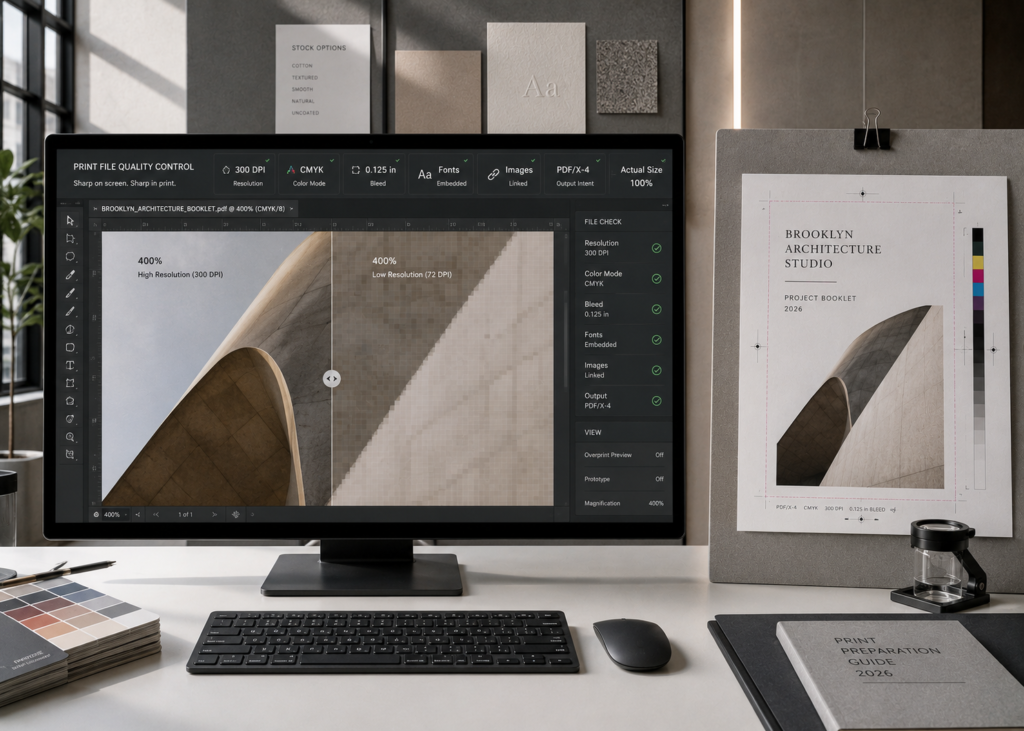
- Bleed, typically 3 mm or 0.125 inches depending on your printer’s specifications.
- Safe margins to keep important text away from the trim edge.
- CMYK color mode instead of RGB.
- Proper image resolution.
- Design at 100% scale, avoiding enlargement later in the process.
Bleed deserves special attention. This extra area ensures that slight mechanical variations during trimming won’t leave unwanted white edges around the design. If a color or image extends to the edge of the finished product, it should also extend into the bleed area.
It’s equally important to keep all essential design elements inside the safe area. Although modern cutting equipment is extremely precise, there is always a small trimming tolerance.
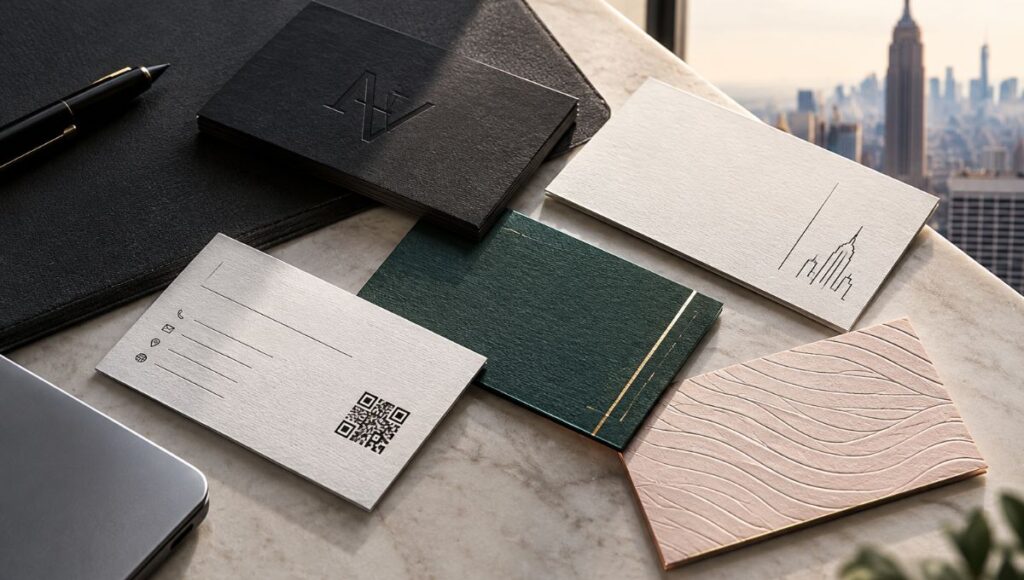
For luxury business cards nyc, where premium finishes such as foil stamping, embossing, letterpress, or custom die cuts are common, proper file preparation becomes even more critical since many finishing techniques require separate layers and perfectly aligned registration.
Companies offering nyc business card services often provide downloadable templates to simplify this process. Using these templates significantly reduces the risk of errors while streamlining production.
Use Professional-Quality Images, Graphics, and Fonts
One of the most common mistakes is using images downloaded from the internet with the expectation that they’ll print exactly as they appear on screen. A photo may look perfectly sharp on a monitor yet appear pixelated once printed.
To achieve the highest print quality, follow these best practices:
- Use images at 300 PPI (pixels per inch) at their final print size.
- Avoid screenshots or images taken from social media.
- Don’t enlarge small photos to fill large areas.
- Use vector graphics for logos and illustrations whenever possible.
- Preserve original image quality throughout the entire design workflow.
Vector files are especially valuable because they can be scaled to any size without losing sharpness. That’s why logos, icons, and graphic elements should remain in formats such as AI, EPS, or SVG throughout the design process.
Fonts also require careful attention. If the print provider doesn’t have the same font used in your design, the document’s appearance may change unexpectedly. To prevent this, there are two widely accepted solutions:
- Convert text to outlines.
- Properly embed fonts when exporting the PDF.
For projects involving business cards in NYC, where available space is limited and every visual detail contributes to brand perception, poorly rendered typography can significantly affect the final product.
Businesses specializing in luxury business cards nyc frequently print on premium papers with sophisticated finishes that make even minor printing flaws more noticeable. For this reason, high-quality images and proper font management are essential for achieving a flawless final result.
Understand the Importance of Color in Printing
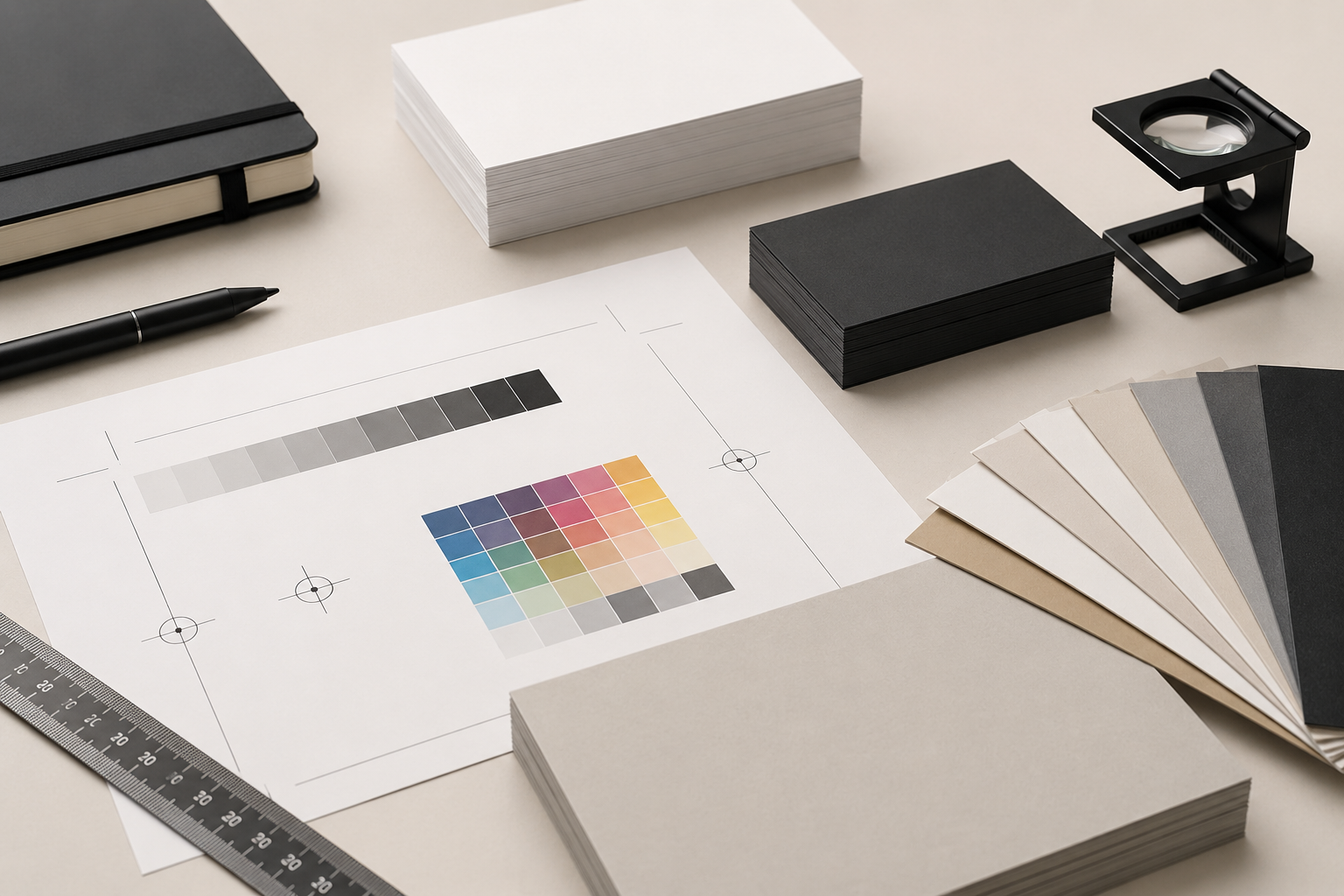
Color is probably the aspect that causes the most confusion when preparing files for print. This happens because monitors display colors using the RGB model (Red, Green, and Blue), while commercial printing primarily relies on CMYK (Cyan, Magenta, Yellow, and Black).
As a result, certain vibrant colors displayed on screen simply cannot be reproduced exactly on paper.
To minimize color differences, it’s recommended to:
- Design directly in CMYK whenever the final output is intended for print.
- Use ICC color profiles that match your printer’s workflow when necessary.
- Review color conversions before exporting.
- Request printed proofs for important projects.
- Avoid relying solely on your monitor for color accuracy.
It’s also important to understand that different paper stocks influence how colors appear. Matte papers absorb more ink than glossy coated stocks, while textured papers create a completely different visual effect.
Premium print projects often incorporate specialty inks such as Pantone colors, metallic inks, or white ink, especially when printing on dark-colored papers or specialty substrates.
Many providers of nyc business card services guide their clients in selecting the most appropriate color system based on the specific project. This helps maintain consistent branding across business cards, envelopes, presentation folders, and other corporate stationery.
For luxury business cards nyc, where the perception of exclusivity depends heavily on both color accuracy and premium finishes, effective color management can make a significant difference in the overall result.
Export Your PDF Correctly and Review Everything Before Sending
Once your design is complete, the final step is generating the file that will be sent to the printer. Although this may seem straightforward, many printing problems actually occur during the export process.
The industry standard continues to be the print-ready PDF because it preserves layouts, images, and fonts more reliably across different systems.
Before submitting your file, carefully verify that:
- The document size is correct.
- Bleed has been included.
- Crop marks are only added if requested by the printer.
- Images retain their full resolution.
- Fonts are embedded or converted to outlines.
- No hidden objects remain outside the artboard.
- The PDF is exported without excessive compression.
It’s also recommended to zoom in to 400% or more when reviewing the PDF to detect any potential issues before submission.
If your project includes specialty finishes such as:
- Metallic foil.
- Spot UV coating.
- Letterpress.
- Embossing or debossing.
- Custom die cutting.
be sure to follow the printer’s specifications carefully, as these finishing processes typically require additional files or separate layers.
Providers specializing in nyc business card services usually perform a technical review before production begins. However, submitting a properly prepared file helps reduce turnaround time and minimizes the need for revisions.
When printing business cards in NYC, where many companies require fast turnaround times and flawless brand presentation, providing a print-ready file helps ensure consistent, professional results from the very first print run.
Conclusion
Preparing a file correctly for print not only improves the visual quality of the finished product but also helps prevent costly mistakes, production delays, and unnecessary reprints. Setting up your document properly, using high-resolution images, working in the correct color mode, and exporting an optimized PDF remain essential best practices in 2026.
If you’re looking to print business cards in NYC with premium finishes and expert guidance throughout the process, Japan Printing is ready to help. Our team provides professional design and printing solutions tailored to businesses, entrepreneurs, and professionals seeking exceptional printed materials. Contact us today for a quote on your next business card project and discover why we’re a trusted choice for luxury business cards nyc and professional nyc business card services.